How to Use a Website Analyzer to Diagnose and Fix SEO Issues
Learn how a website analyzer works, which SEO checks matter most, and how to use one step-by-step to improve your Google rankings. Free tool included.
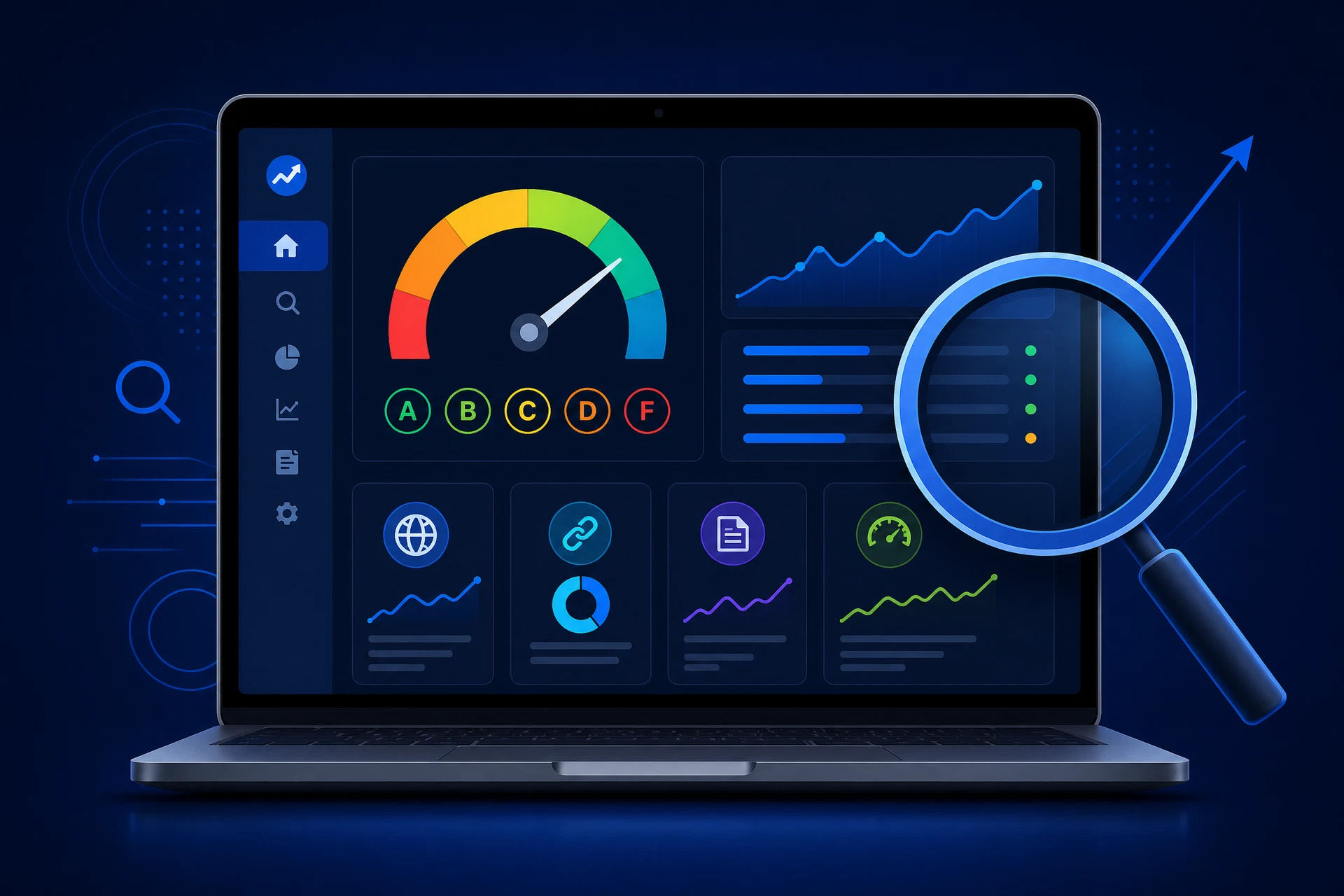
If you have ever wondered why your website is not showing up on Google — or why a competitor with a worse-looking site is outranking you — the answer is almost always hiding in your website's technical and on-page SEO data. A website analyzer is the tool that surfaces that data, translates it into plain English, and tells you exactly what to fix.
In this guide, you will learn what a website analyzer actually does, which metrics matter most, and how to use one to systematically improve your search rankings — even if you have no technical background.
What Is a Website Analyzer?
A website analyzer (also called a website analysis tool, SEO checker, or SEO audit tool) is software that crawls a web page and evaluates it against a set of known ranking signals. It checks things like your title tag, meta description, heading structure, page speed, mobile-friendliness, HTTPS status, robots.txt, sitemap, and more — then returns a report with grades and prioritized recommendations.
Think of it as an X-ray for your website. You cannot see broken bones with the naked eye, but an X-ray shows you exactly where the problem is. A website analyzer does the same thing for SEO: it reveals the invisible issues that are costing you traffic.
RankXray's free website analyzer runs 20+ checks across five categories — on-page SEO, technical SEO, performance, links, and social signals — and returns an A–F grade for each. No sign-up required.
Why Website Analysis Matters for Rankings
Google's algorithm evaluates hundreds of signals when deciding where to rank a page. Most of those signals fall into categories that a website analyzer can measure directly. Here is why regular website analysis is essential:
Search engines update their algorithms constantly
Google runs thousands of algorithm experiments every year. A page that ranked well six months ago may have slipped because a new signal was added or weighted differently. Running a website audit regularly — at least once a month — ensures you catch regressions before they compound into significant traffic loss.
Most SEO problems are invisible without a tool
A missing canonical tag, a duplicate title, a misconfigured robots.txt file, or a missing meta description will not show up when you browse your own website. These issues are only visible to search engine crawlers — and to a website analyzer. Without one, you are flying blind.
Competitors are auditing their sites
Every business owner and marketer using a free SEO analysis tool is finding and fixing issues you might be ignoring. Website analysis is not a one-time task — it is an ongoing competitive practice.
The 7 Most Important Checks a Website Analyzer Runs
Not all SEO checks are equal. Here are the seven that have the highest impact on rankings, and what to do when they fail.
1. Title Tag
Your title tag is the single most important on-page SEO element. It tells Google what your page is about and appears as the clickable headline in search results. A good title tag is 50–60 characters, includes your primary keyword near the front, and is unique across every page on your site. A website analyzer will flag titles that are missing, too short, too long, or duplicated.
2. Meta Description
The meta description does not directly affect rankings, but it dramatically affects click-through rate — which does affect rankings. A compelling meta description of 150–160 characters, written for the human reader, can increase organic clicks by 20–30%. A website analyzer checks whether your meta description exists, is the right length, and is unique.
3. H1 Heading
Every page should have exactly one H1 heading — the main topic statement of the page. Zero H1s means Google has no clear signal about your page's subject. Multiple H1s create confusion. A website analyzer catches both problems instantly.
4. HTTPS / SSL Certificate
Google confirmed HTTPS as a ranking signal in 2014. Any page still on HTTP receives a "Not Secure" warning in Chrome, which destroys user trust and increases bounce rates. A website analyzer checks your SSL status and flags any mixed-content issues (HTTPS pages loading HTTP resources).
5. Mobile Viewport
Google uses mobile-first indexing, meaning it crawls and ranks the mobile version of your site. If your page is missing the mobile viewport meta tag, it will render incorrectly on phones — and Google will notice. A website analyzer verifies the viewport tag is present and correctly configured.
6. Page Load Speed
Page speed is a direct ranking factor for both desktop and mobile. Slow pages also have higher bounce rates, which compounds the SEO damage. A website analyzer measures your page size, load time, and flags large uncompressed resources that are slowing you down.
7. Robots.txt and Sitemap
Your robots.txt file tells search engines which pages to crawl and which to ignore. A misconfigured robots.txt can accidentally block Google from your entire site. Your XML sitemap tells Google which pages exist and when they were last updated. A website analyzer checks both files are present, accessible, and correctly formatted.
How to Use a Website Analyzer: Step-by-Step
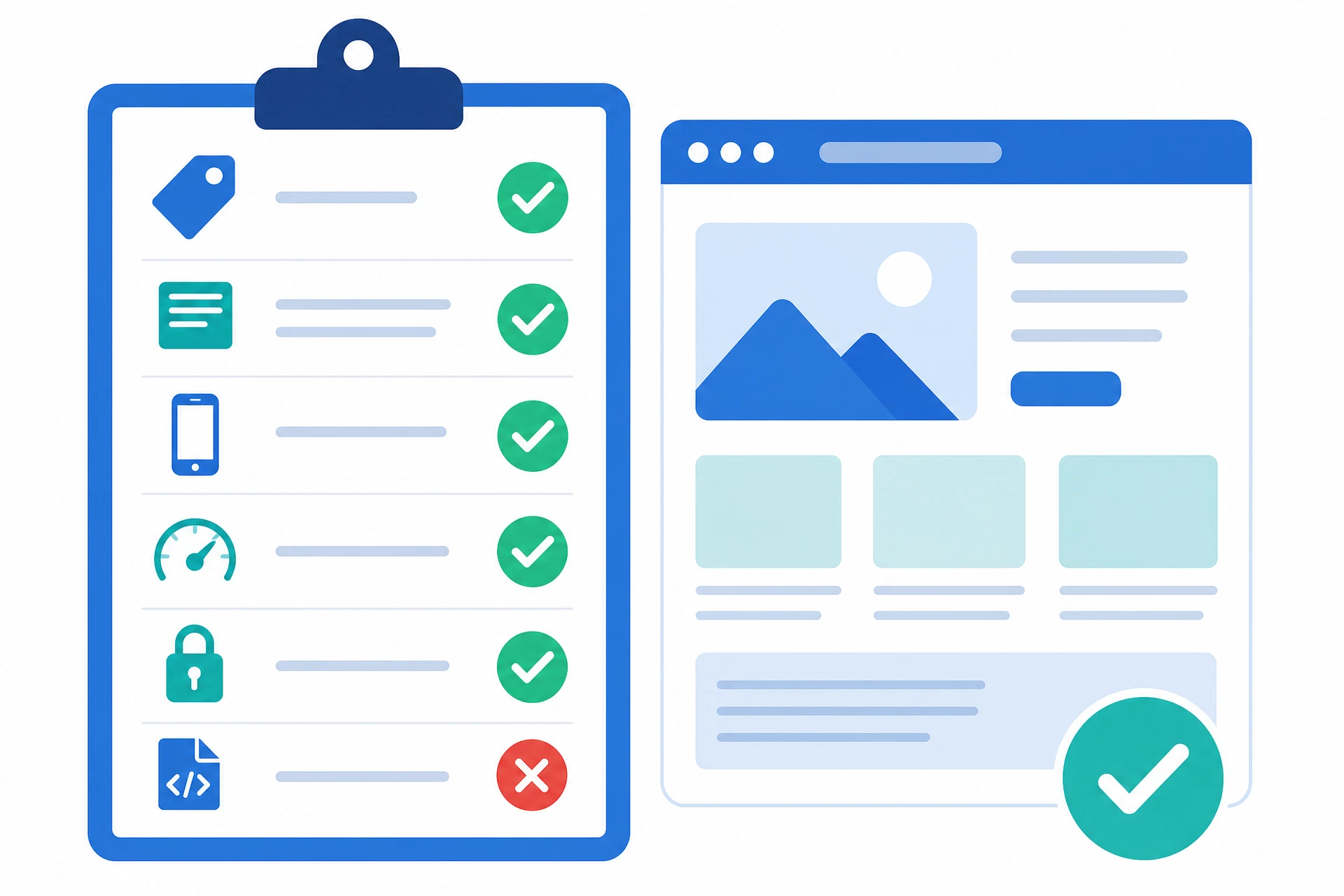
Using a website analyzer is straightforward. Here is a simple process you can follow every month to keep your site in top shape.
Step 1: Run a baseline audit. Go to RankXray and enter your homepage URL. This gives you a starting score and a prioritized list of issues. Save or bookmark the report URL — every audit generates a unique shareable link so you can track changes over time.
Step 2: Sort issues by impact. RankXray grades every check from A to F and labels issues as High, Medium, or Low impact. Start with the High-impact failures — these are the ones costing you the most ranking potential. Common high-impact failures include missing title tags, no meta description, and missing H1.
Step 3: Fix one category at a time. Do not try to fix everything at once. Work through on-page issues first (title, meta, H1, images), then technical issues (HTTPS, robots.txt, sitemap, canonical), then performance. This keeps the work manageable and lets you measure the impact of each change.
Step 4: Re-audit after fixing. Once you have made changes, run the analyzer again to confirm the issues are resolved. Some fixes — like updating a title tag — take effect immediately. Others — like Google re-crawling your sitemap — may take a few days to show up in search results.
Step 5: Audit competitor pages. A website analyzer works on any URL, not just your own. Run it on your top competitors to see what they are doing well and where their weaknesses are. This is one of the fastest ways to find ranking opportunities.
Website Analyzer vs. Full SEO Audit: What Is the Difference?
A website analyzer typically runs a fast, automated check of a single URL — returning results in seconds. It is ideal for quick health checks, pre-launch reviews, and regular monitoring.
A full SEO audit goes deeper: it may include backlink analysis, keyword gap analysis, competitor benchmarking, content quality assessment, and crawl budget analysis across the entire site. Full audits are typically done quarterly or before major site changes.
For most business owners and marketers, a monthly website analyzer check plus a quarterly full audit is the right cadence. RankXray's free SEO checker covers the automated check layer completely — and it is free every time.
Common Website Analysis Mistakes to Avoid
Auditing only the homepage. Your homepage is important, but so are your product pages, blog posts, and landing pages. Run the analyzer on your top 5–10 most important pages, not just the home URL.
Ignoring the report after running it. An audit is only valuable if you act on it. Set a reminder to review and fix at least the High-impact issues within 48 hours of running an analysis.
Confusing a website analyzer with a rank tracker. A website analyzer tells you about the health of your page. A rank tracker tells you where you appear in search results for specific keywords. Both are useful, but they answer different questions.
Not checking after site updates. Any time you update your CMS, install a new plugin, change your theme, or migrate your site, run a website analyzer immediately. These changes frequently introduce new SEO issues without any visible sign.
Conclusion
A website analyzer is the most efficient tool available for understanding why your site ranks where it does — and what to do about it. It takes less than 60 seconds to run, costs nothing, and gives you a clear, prioritized action list that can meaningfully improve your search visibility.
The most important thing is to start. Run your first analysis today, fix the High-impact issues this week, and build the habit of monthly audits. Over time, this simple practice compounds into significantly better rankings, more organic traffic, and more customers finding your business online.
Ready to analyze your website right now?
RankXray is a free website analyzer that checks 20+ SEO factors and returns an A–F grade with a prioritized fix list — no sign-up, no credit card, no technical knowledge required.
→ Run Your Free Website Analysis